
Minecraft Server
· 1 min read

My Minecraft server runs on Java Edition 1.15. A version of Minecraft is the update of Minecraft. Right now, there are 15 updates of Minecraft on the java. Usually, each update introduces new blocks, new mobs, and new items like bees, foxes, etc. The way you can connect to a server on Minecraft launcher where you log in and then you launch the game.
Next open Minecraft, then you click the "Multiplayer" button:
then you click "Add Server":

Then type in the IP Address and the name of the server:
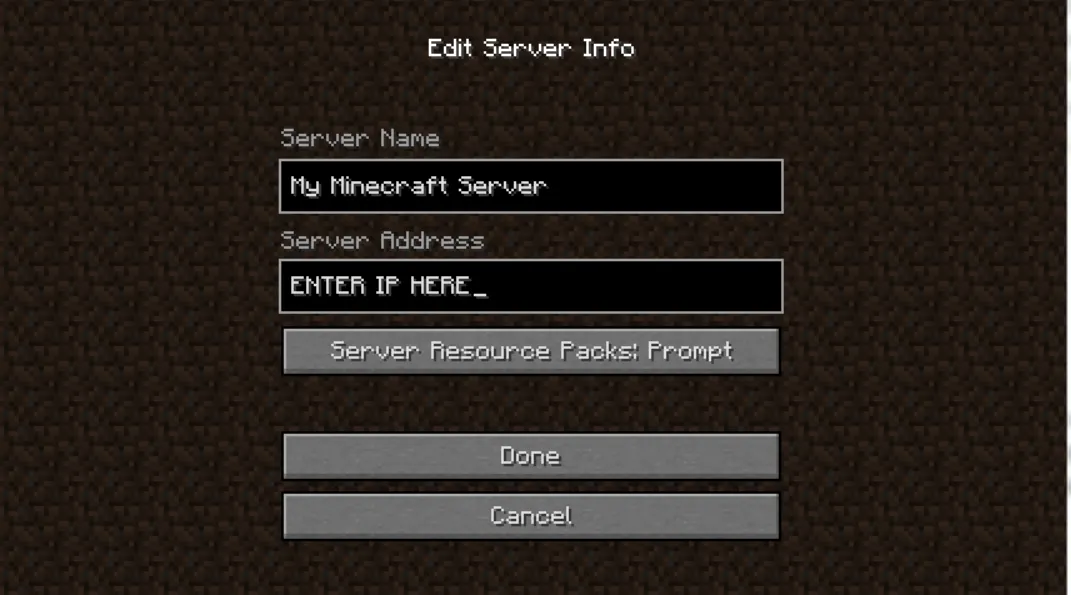
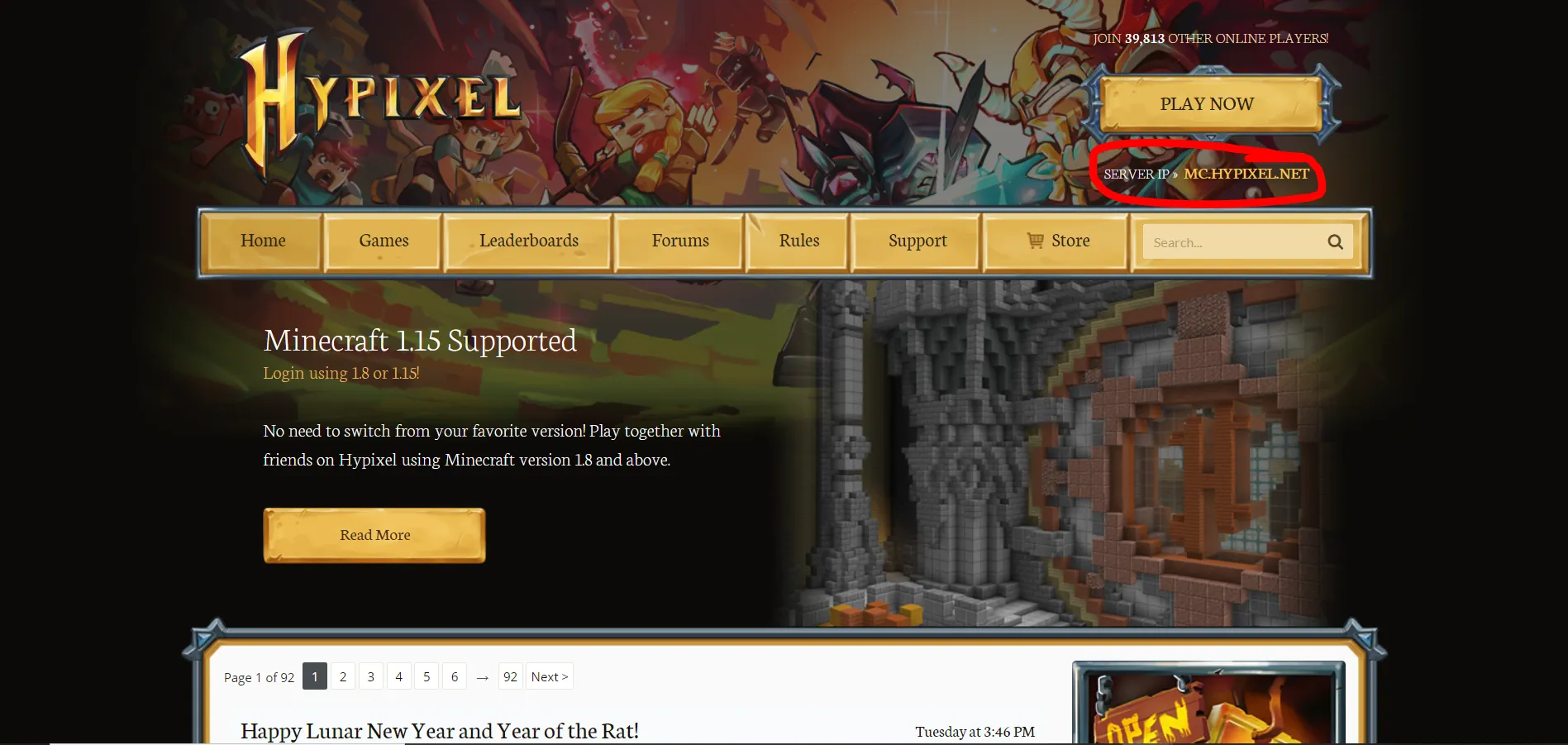
You can get an IP address from wherever you found the server. For example, if you went to the Hypixel website they would have an IP address in the corner as you can see here:
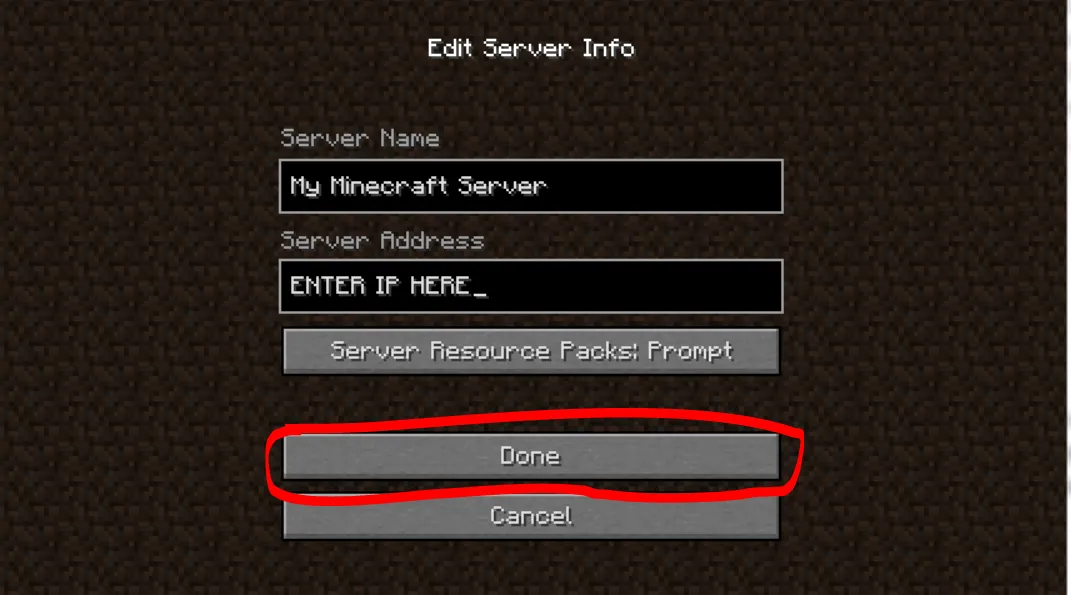
Then click done:
After that, it should show the server you added. If you want to you can do this again to another server that you want to play on.